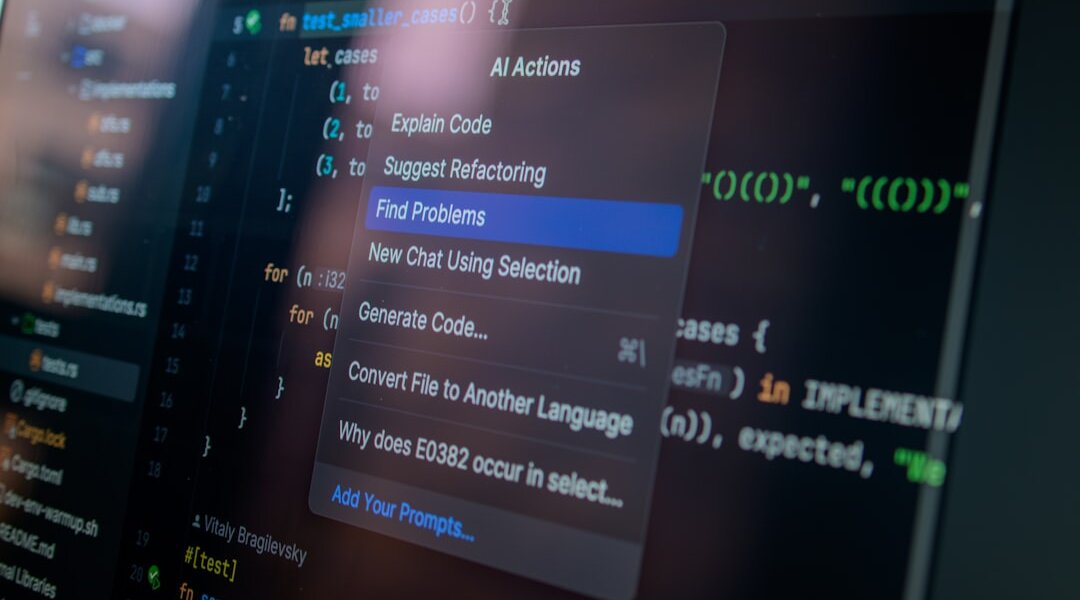
Photo by Daniil Komov on Unsplash
Introduction: Beyond Basic Deletion – The Art of Claude Code Removal
For developers and tech professionals leveraging AI assistants like Claude, efficiency is paramount. While Claude excels at generating code, debugging, and explaining complex concepts, a less discussed but equally crucial skill is the precise and effective removal of code. This isn’t just about deleting lines; it’s about strategic cleanup that enhances code quality, maintains project integrity, and optimizes performance. For pro users, understanding how to guide Claude in removing specific code segments is a game-changer. This article delves into advanced techniques for code removal with Claude, transforming a mundane task into an art form.
Understanding Claude’s Role in Code Deletion
Claude, as a large language model, doesn’t ‘delete’ code in the same way a human editor does. Instead, it processes your instructions and generates new code based on them. Therefore, effective code removal relies heavily on crafting clear, unambiguous prompts. It’s about telling Claude *what* to remove, *why* it should be removed, and *what the resulting code should look like*. This requires a nuanced understanding of your codebase and the desired outcome.
Key to this process is specificity. Simply asking Claude to ‘remove this function’ might result in incomplete removal or unintended side effects if dependencies aren’t considered. Pro users learn to provide context, specify the exact code block (often via line numbers or descriptive identifiers), and even suggest alternative implementations or placeholders for removed functionality. This collaborative approach ensures that Claude acts as an intelligent assistant, not just a code editor.
Strategic Code Removal Techniques with Claude
Effective code removal with Claude goes beyond simple deletion. It involves strategic planning and execution:
- Identifying and Isolating Code: Before instructing Claude, accurately pinpoint the code you wish to remove. This might involve identifying unused functions, deprecated features, or redundant logic. Providing line numbers or clear code snippets to Claude is essential.
- Dependency Analysis: Understand what other parts of your code rely on the segment you intend to remove. You can prompt Claude to analyze dependencies, asking questions like, ‘Which functions call `this_specific_function`?’ or ‘Are there any modules that import `this_class`?’ This prevents breaking your application.
- Phased Removal and Refactoring: For larger code sections, a phased approach is often best. You might first ask Claude to comment out the code, then to remove it entirely after testing. Alternatively, instruct Claude to refactor the surrounding code to gracefully handle the absence of the removed segment.
- Contextual Prompting: Frame your requests with the ‘why.’ For example, instead of ‘delete this function,’ try ‘Remove the `old_login_method` function. It’s being replaced by `new_authentication_flow`, and no longer used. Ensure all references are updated to the new method.’
- Leveraging Claude’s Understanding of Best Practices: Pro users can ask Claude to identify and suggest removal of code that violates best practices, such as redundant error handling, overly complex conditional logic, or outdated library calls. This transforms code removal into a quality improvement exercise.
Advanced Prompt Engineering for Precision
The true power of Claude for pro users lies in sophisticated prompt engineering. When dealing with code removal, consider these advanced strategies:
- Conditional Removal: Instruct Claude to remove code only if certain conditions are met. For instance, ‘Remove the debug logging statements from this file, but only if the current build configuration is set to ‘production’.’
- Automated Cleanup Scripts (Conceptual): While Claude doesn’t directly execute scripts, you can prompt it to *generate* script snippets designed for code removal or refactoring. This can be particularly useful for repetitive cleanup tasks across multiple files.
- Diff-Based Requests: For users familiar with version control, you can provide Claude with a code diff and ask it to apply the inverse changes (i.e., to effectively re-insert code that was removed in a previous commit, or to confirm removal of specific changes).
- Specifying Removal Scope: Clearly define the scope of removal. Are you removing a single line, a block of code, an entire function, a class, or a module? Be explicit.
Conclusion: Empowering Your Development Workflow
Mastering code removal with Claude elevates your development workflow from basic task execution to intelligent code stewardship. By employing strategic techniques and sophisticated prompt engineering, pro users can ensure their codebases remain clean, efficient, and maintainable. Treat Claude not just as a code generator, but as a highly capable assistant that, with the right guidance, can significantly streamline even the most intricate code management tasks. Continue to experiment with different prompts and refine your approach to unlock the full potential of AI in your daily development cycle.